У вас большие запросы!
Точнее, от вашего браузера их поступает слишком много, и сервер VK забил тревогу.
Эта страница была загружена по HTTP, вместо безопасного HTTPS, а значит телепортации обратно не будет.
Обратитесь в поддержку сервиса.
Вы отключили сохранение Cookies, а они нужны, чтобы решить проблему.
Почему-то страница не получила всех данных, а без них она не работает.
Обратитесь в поддержку сервиса.
Вы вернётесь на предыдущую страницу через 5 секунд.
Вернуться назад
If your iPad won’t charge
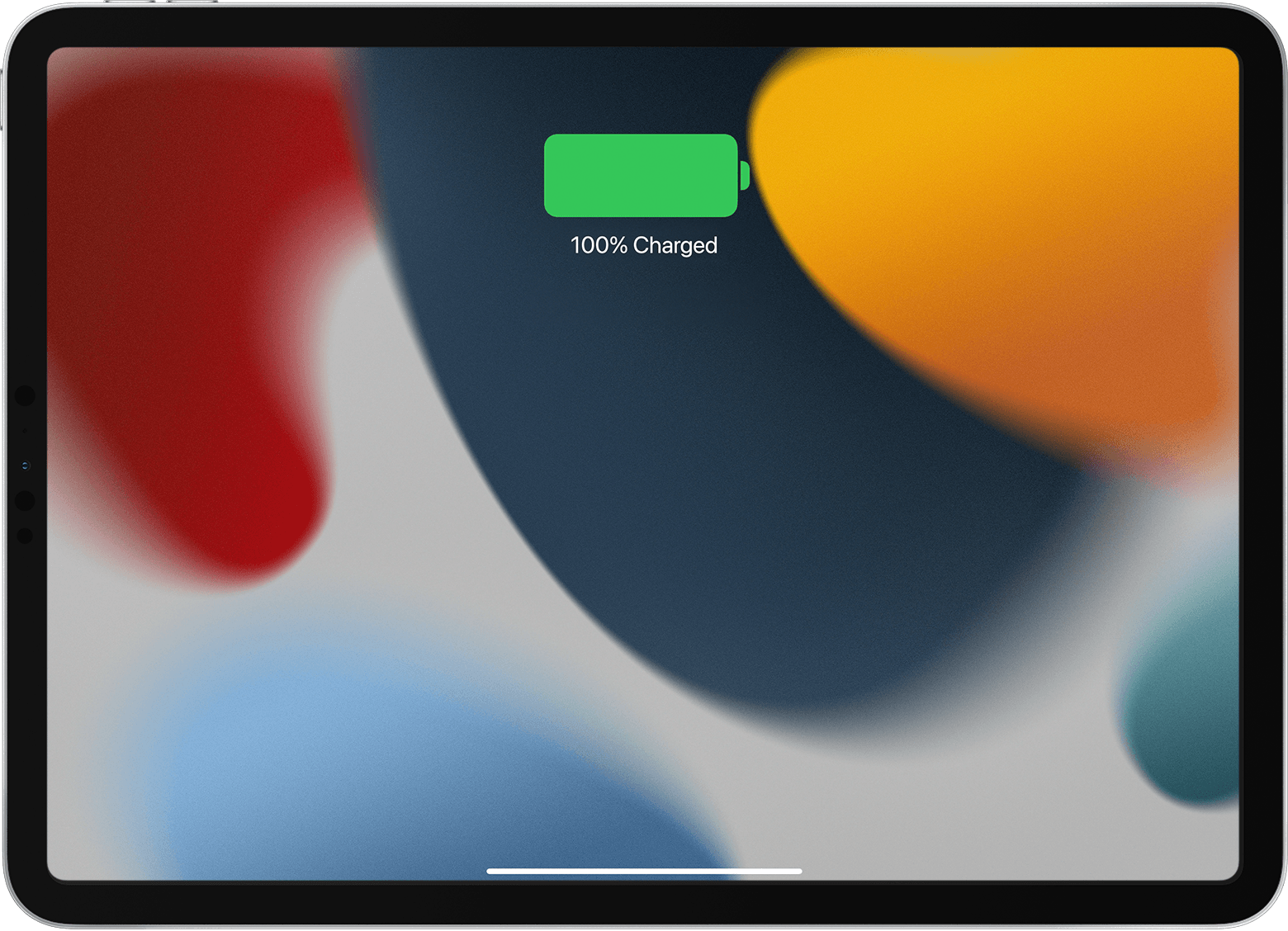
If the battery in your iPad doesn’t charge or charges slowly, find out what to do. When your iPad is charging, you will see a lightning bolt on the battery icon in the status bar or a large battery icon on your Lock screen. If you can’t see the charging icons, follow these steps.
First, make sure you’re using the right accessories
- A USB power adapter that’s plugged into a working wall outlet. It’s best to use the USB power adapter that came with your iPad. Find out more about Apple USB power adapters.
- A USB port that supports USB 2 or later, on a computer that’s on and not in sleep mode.
- A powered USB hub, docking station or other Apple-certified accessory.
If your iPad still won’t charge, try these tips
- Use a different power adapter or a different charging cable. If you don’t have those, contact Apple Support.
- Make sure your iPad isn’t too hot or too cold. Find out about keeping your iPad within acceptable operating temperatures.
- Force-restart your iPad:
- For an iPad without a Home button: press and quickly release the volume button closest to the top button. Press and quickly release the volume button furthest from the top button. Press and hold the top button until your iPad restarts.
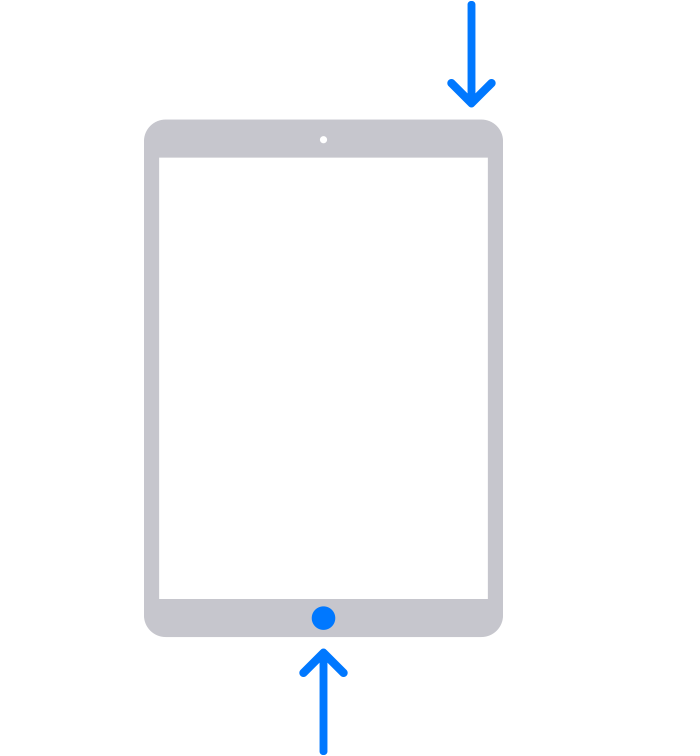
- For an iPad with a Home button: press and hold both the top (or side) button and the Home button until you see the Apple logo.
Published Date: January 22, 2024
If your iPad won’t charge
If the battery in your iPad doesn’t charge or charges slowly, learn what to do. When your iPad is charging, you see a lightning bolt on the battery icon in the status bar, or a large battery icon on your Lock screen. If you don’t see the charging icons, follow these steps.
First, make sure that you’re using the right accessories
- A USB power adapter that’s plugged into a working wall outlet. It’s best to use the USB power adapter that came with your iPad. Learn more about Apple USB power adapters.
- A USB port that supports USB 2 or later, on a computer that’s on and not in sleep mode.
- A powered USB hub, docking station, or other Apple-certified accessory.
If your iPad still won’t charge, try these tips
- Use a different power adapter or a different charging cable. If you don’t have those, contact Apple Support.
- Make sure that your iPad isn’t too hot or too cold. Learn about keeping your iPad within acceptable operating temperatures.
- Force restart your iPad:
- For an iPad without a Home button: Press and quickly release the volume button closest to the top button. Press and quickly release the volume button farthest from the top button. Press and hold the top button until your iPad restarts.
- For an iPad with a Home button: Press and hold both the top (or side) button and the Home button until you see the Apple logo.
Published Date: January 12, 2024